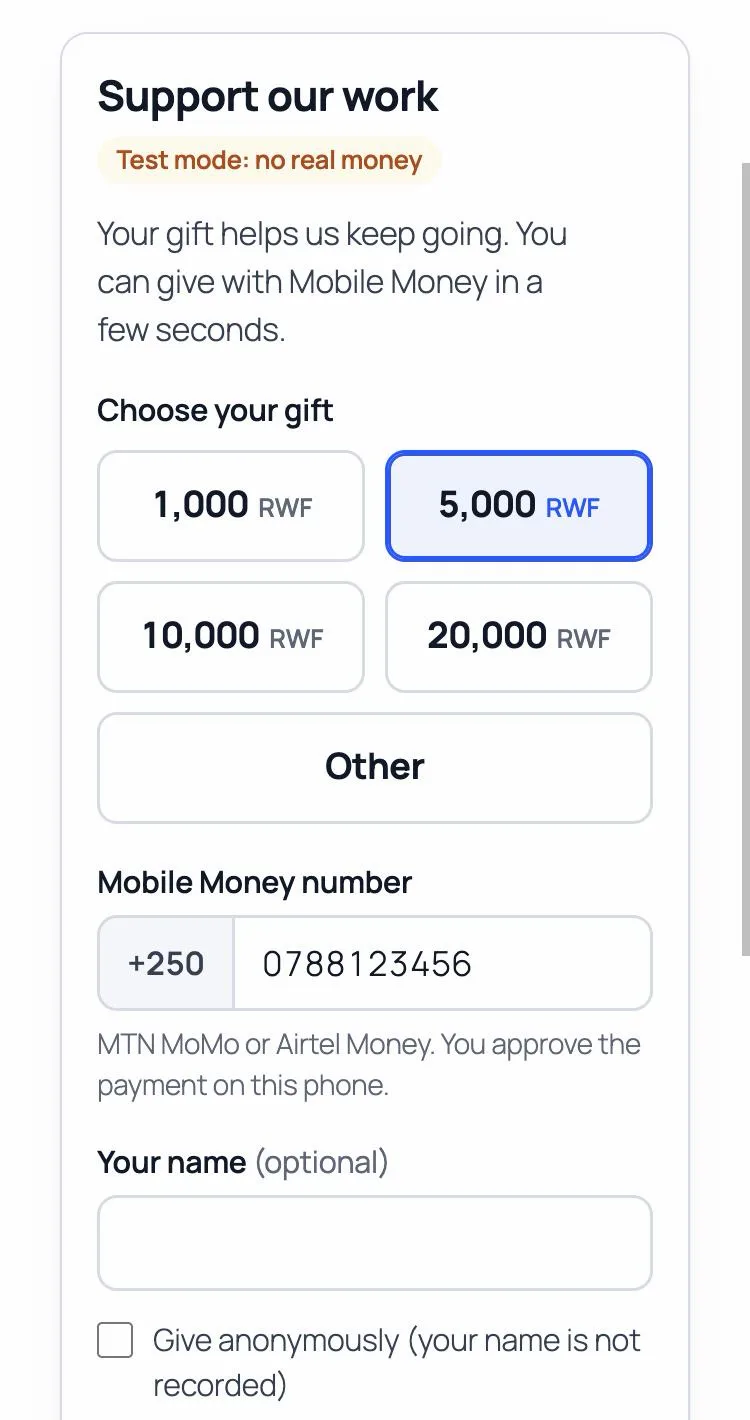
A free Donate or Pay form for any WordPress page: people pay with MTN MoMo, Airtel Money, Orange Money or M-Pesa, and the money goes straight to your own PawaPay account. No WooCommerce needed, no commission.
$0.00
Fosia Collect adds a Donate or Pay form to any page of your WordPress site. It is made for organisations that do not sell products: NGOs and charities, churches, schools, associations, freelancers and community projects. You do not need WooCommerce, a shop or a cart.
What’s included
- Block and shortcode: up to 6 quick amounts and an “Other” amount within your limits, or one fixed amount; Donate or Pay
- Currency: a Mobile Money currency (RWF, KES, UGX, XOF, GHS…), or USD / EUR with an estimate in the payer’s own currency before paying
- Optional name, e-mail and message, and “Give anonymously”
- The payer sees the real status: paid, not received yet, or failed with the reason and “Try again”; your thank-you message or page; an e-mail receipt once the payment is confirmed
- An extra field with your own label (student name, invoice number, member ID)
- Refunds, full or partial, to the number that paid, never more than what was paid
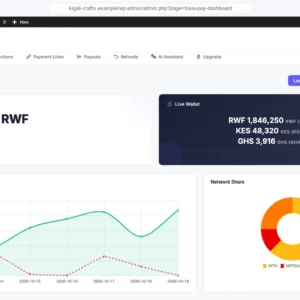
- Transactions list with filters and CSV export, a dashboard with the totals of each form, an e-mail to you for each confirmed payment
- Guided setup, sandbox mode to test, English and French
Your money, checked
A payment shows as paid only after it is checked with your payment account, for the exact amount and currency. The money goes straight to your own PawaPay account: Fosia never holds it. Payers’ details stay on your site and are erased automatically after the period you choose.
Requirements
- WordPress 6.3 or later, PHP 7.4 or later, HTTPS
- Your own PawaPay merchant account (a free sandbox account to test)
Good to know
- Free, unlimited forms and payments, no licence key. The only fees are PawaPay’s own processing fees.
- After the free checkout (no account needed), the download link is on the order confirmation page and in your e-mail, and in My account › Downloads if you have an account. Upload the zip in Plugins › Add New › Upload Plugin.